
Resolve first. Build once.
Enterprise records rarely line up. Customers, suppliers and counterparties appear across systems under different names, leaving AI and analytics to work from fragments.
Unify resolves those records into trusted entities, writes them to OneLake, and gives every workload the same trusted foundation.
Resolve identity early and every Fabric investment works harder: cleaner analytics, stronger AI and agents you can trust.

What Unify does
One resolution layer that runs inside your Fabric tenant and feeds everything downstream.

Resolution at enterprise scale
Trained on billions of records to resolve ambiguity that rules-based approaches often leave unresolved.

Native to Microsoft Fabric
Installs from the Fabric Workload Hub and runs on Fabric compute, working directly with OneLake Delta tables.

Your data never leaves your tenant
Resolution runs inside your Microsoft tenant for PII support under your existing Purview policies and workspace controls.

Ready for Fabric IQ ontology and graph
Unify writes resolved entity and relationship tables to OneLake. That is the input Fabric IQ binds to when you build your ontology and materialize your graph.
One entity. Every workload.
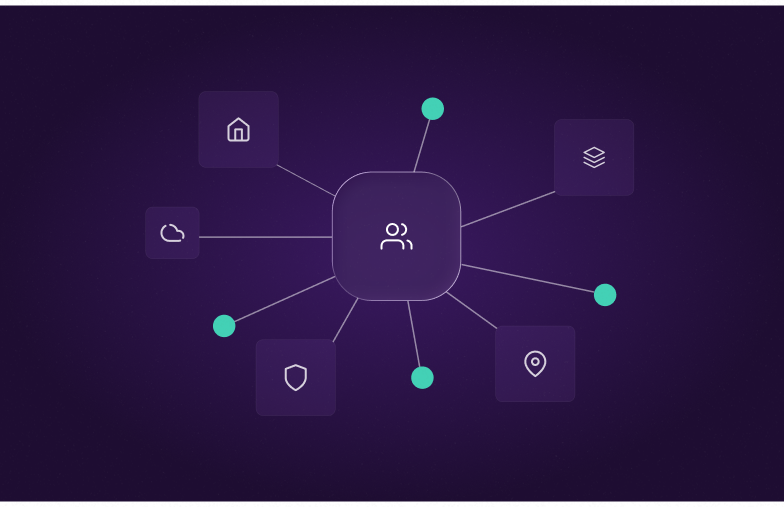
Ontology, graph and data agents
Base your ontology on resolved entities rather than raw rows. The graph holds one node per real-world entity and data agents traverse complete relationships.
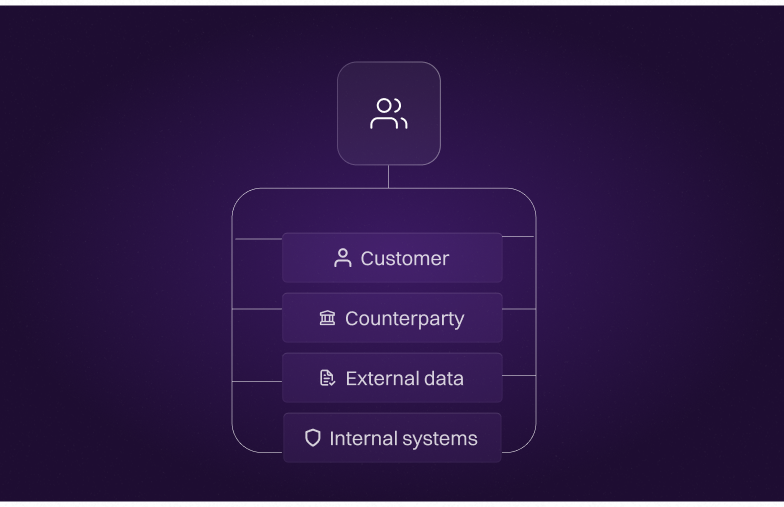
Agents that act on whole entities
Ground agents built in Foundry Agent Service with a single trusted view of every customer and counterparty. Act on the entity rather than a fragment of it.
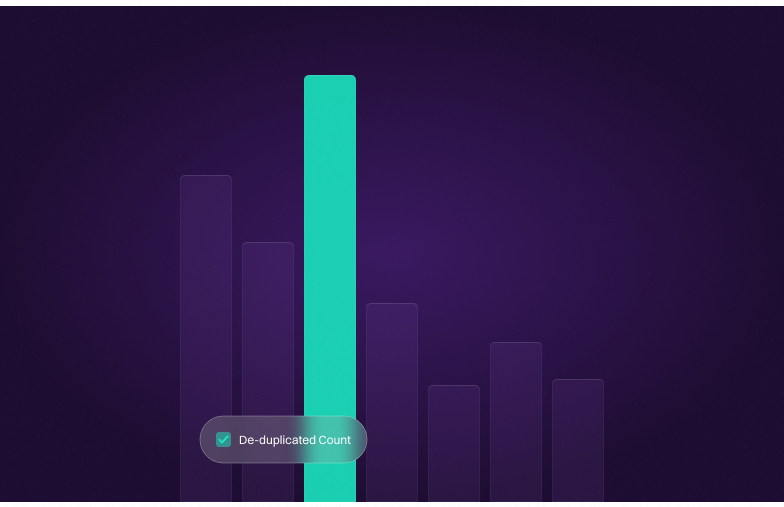
Analytics that count once
Report and model on unified entities, so one customer counts once and dashboards stop splitting the same organization across rows.
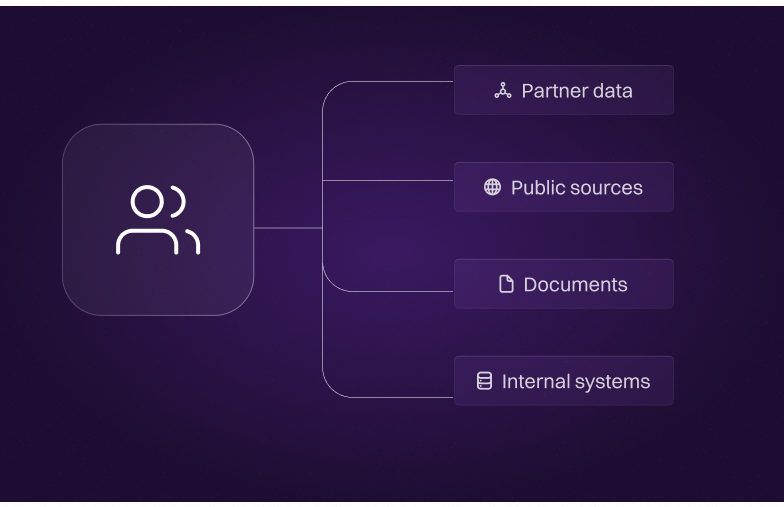
Answers you can trace
Give AI one version of every customer to draw on, with source provenance behind each resolved entity so answers can be traced back.
Identities proven where the stakes are highest
Unify runs on the same entity resolution technology Quantexa has refined in production at tier-1 banks, government agencies, insurers and telcos. Trained on more than 100 billion records, the resolution you run on Fabric arrives already proven.
records the matching engine was trained on
resolution accuracy vs ground truth
faster than building resolution yourself on Fabric
What entity resolution changes
The options below could play a role in your data stack but don’t alone identify connected records. When deploying Unify you can determine which records belong to the same real-world entity.
Without Quantexa Unify
- Master Data Management (MDM) masters only the domains it was configured for, so records outside that scope stay unresolved
- A DIY build copes fine with one clean entity type, then ambiguity and upkeep slowly overwhelm the same team that built it
- Fragmentation stays invisible until a bad decision exposes it, and every related workload inherits that exposure
With Quantexa Unify
- Resolves across the systems MDM never reaches, writing entity and relationship tables Fabric IQ can build on
- Resolution tuned and maintained for you, roughly 60 times faster than building it yourself on equivalent Fabric compute
- Solve before you build, so models, reports, agents and ontologies never need rebuilding later
Built for teams to make informed decisions
Break down data silos and enrich with third-party sources to build a complete, contextual view of every customer and counterparty.
Where your AI investment pays off
Fragmented identity is the silent tax on your AI investment. It sits upstream of every model, every agent and every prompt. Resolving it is the highest leverage move you can make before you scale, and the fastest way to get real return.
Resolution that holds at scale
Rules break down when records don't match exactly. Unify compares multiple attributes at once to identify records that refer to the same customer, supplier or counterparty.
One less thing to build and maintain
Unify fills the resolution gap natively, with no pipelines to build and no infrastructure to run. Use it with OneLake tables and hand the upkeep to a workload instead of a backlog.
Reports the business can trust
Duplicate records inflate every metric. Customers appear across multiple rows, dashboards double-count, and segments overlap. Unify resolves entities before they reach Power BI.
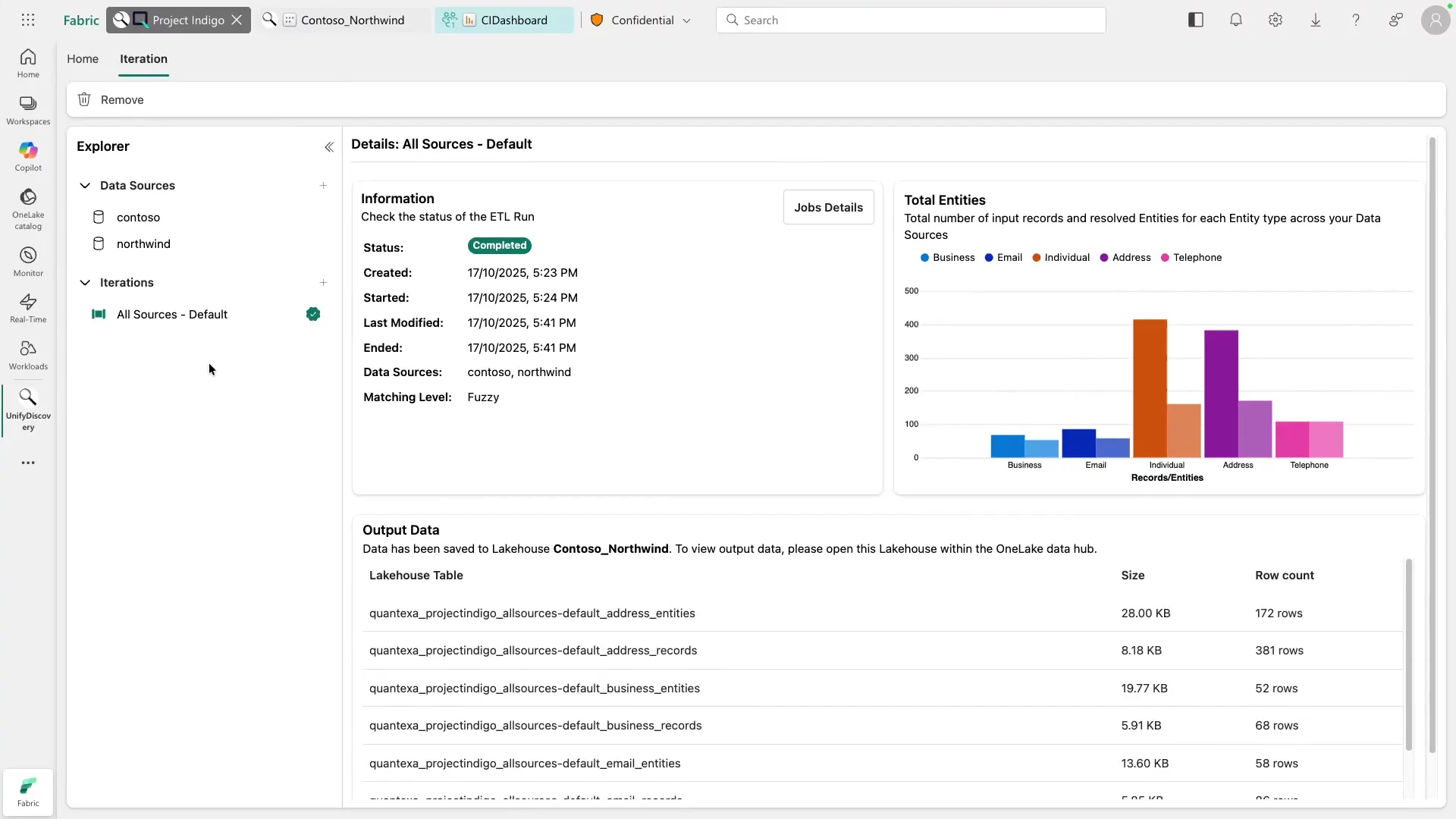
Entity Resolution in Three Steps
Resolution runs as a Fabric workload on your data, on your compute, and under your governance. Here's how to run an entity resolution workload.
1. Point Unify at your OneLake tables
Install the workload from the Fabric Workload Hub and select the Delta tables holding your people, organization, location and contact data. The inference engine reads your schemas and maps the entity-relevant columns automatically, so there is no manual mapping exercise.
2. Configure thresholds and run resolution
Set the confidence thresholds that suit your risk appetite, then run the job on Fabric compute. Matching compares records across every source simultaneously, scoring dozens of attributes rather than firing a fixed set of rules.
3. Review the resolved output and write back to OneLake
For auditing, every resolved entity carries a stable canonical ID, a merged attribute set, a confidence score and source provenance. Resolved entity and relationship tables land in the Lakehouse you choose as Delta tables.